A design sprint before development is a five-day, structured process where a small team maps the problem, sketches solutions, picks the strongest concept, builds a clickable prototype, and tests it with real users, before a single line of production code gets written. Run one whenever a build decision is expensive to reverse. Skip one, and you find out what was wrong three sprints into development, when a fix means rewriting screens instead of redrawing them.
| Element | What It Covers |
|---|---|
| Duration | 5 days (classic) or 4 days (compressed variant) |
| Team size | 4-7 people: founder/decider, designer, developer, one domain expert |
| Output | Interactive Figma prototype + validated user feedback |
| Where it sits | Between Discovery & Planning and Development & Testing |
| Tools used | Figma, Adobe Creative tools, physical or digital sticky notes |
| Who runs it | UI/UX design team, with strategy and dev input |
| Main risk avoided | Building against unvalidated assumptions, causing mid-build rework |
A design sprint before development is a time-boxed workshop that turns a business idea into a tested, clickable prototype before anyone commits to code. The team spends one week mapping the problem, sketching, deciding, prototyping, and testing with real users, so the riskiest assumptions get checked while they still cost a redraw, not a rebuild.
The format traces back to Jake Knapp's work at Google Ventures, later adapted by studios worldwide, including four-day compressed versions built for smaller teams. Whichever version you run, the goal stays fixed: answer one high-stakes product question before you fund a full build, according to a founder-focused guide to the process.
At Axire, this workshop sits inside our Design & Prototyping phase, the second step of our four-step process. It follows Discovery & Planning, where we've already pinned down business goals, target users, and scope, and it feeds directly into Development & Testing, where the build actually starts.
Skipping the sprint causes rework because developers end up building from assumptions rather than tested screens, so mismatches only surface once code exists to unwind. A five-day workshop catches those mismatches for the cost of a wireframe redraw instead of a sprint of rebuilt features.
Founders across the UK, Ireland, and the wider European market tell us the same story: a project quoted at ten weeks stretches to sixteen because the checkout flow, the dashboard layout, or the onboarding screens didn't match what users actually needed. By the time that surfaces in a staging build, three sprints of development have to be unwound.
That's not a development problem. It's a sequencing problem. Teams that jump from a one-page brief straight into React components skip the step where cheap mistakes get caught. A prototype built in Figma costs a day to change. The same mistake found in a working app costs a week, sometimes more, and it usually surfaces right before a launch date.
Day one starts with the goals and user data already gathered in Discovery & Planning. The team draws the end-to-end user journey on a whiteboard or digital canvas, marking exactly where the biggest risk sits, a signup flow, a checkout step, a booking form.
By the end of day one, everyone in the room agrees on one target: which specific moment in the user journey the rest of the week will solve. Vague goals like "improve the app" get rejected here in favor of specific ones, like "cut checkout abandonment at the payment step."
Day two is where individual designers sketch competing solutions to the day-one target, working alone before comparing notes. This avoids the trap of one loud voice steering the whole room toward a single idea before alternatives get considered.
Axire's design team runs this stage with rapid wireframes rather than polished visuals. Speed matters more than fidelity here; a rough box-and-line sketch that captures three different flows beats one beautiful mockup that only shows one path.
One named decider, usually the founder or product owner, picks the strongest concept using a simple sticky-dot voting system, then the team storyboards it screen by screen. Group consensus is not the goal; a clear owner making the call is what keeps the sprint on schedule.
The storyboard becomes the shot list for day four. Every screen the prototype needs gets listed here, in the order a real user will hit them, so nothing gets built twice.
Day four is when the storyboard turns into an actual, clickable prototype, built in Figma with linked screens, working buttons, and realistic content instead of lorem ipsum placeholders. This is the artifact that gets tested on day five and later handed to developers as the build reference.
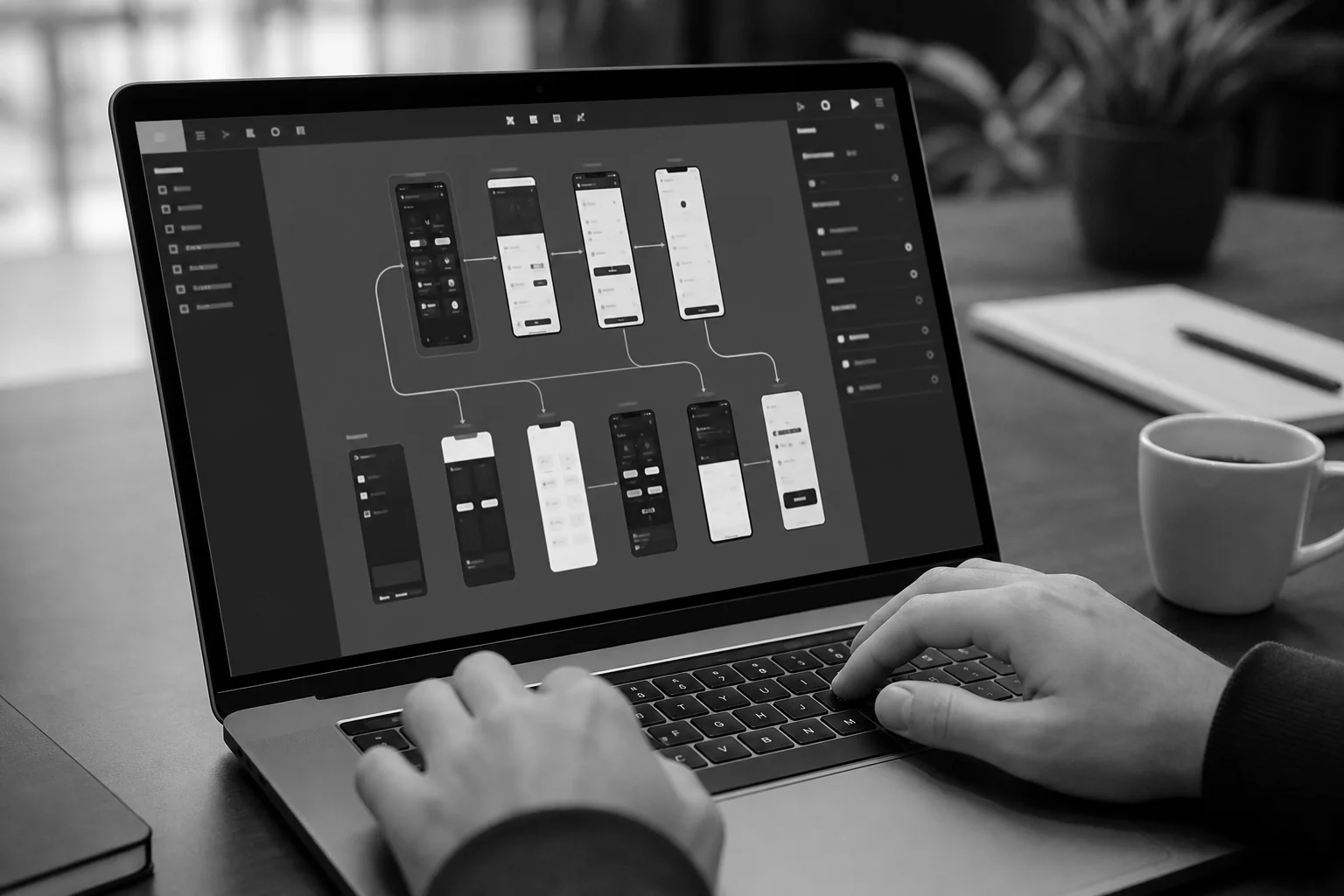
Fidelity matters more here than in day two's sketches. The prototype needs to feel real enough that a test user forgets they're clicking through a mockup, not a live product. Axire's design team uses Figma and Adobe Creative tools for this stage, since both support the fast component reuse a single day of building demands.
This is also the point where a well-documented handoff starts paying off later. A prototype with clearly labeled states, spacing values, and component variants turns into a much faster build once development starts, a topic covered in detail in our guide to design handoff documentation.
Five one-on-one interviews with real target users is the standard sample size for design sprint testing, because usability research consistently shows that number catches most major friction points without needing a larger, slower study. Each session runs the user through the prototype while the team watches and takes notes.
By the end of day five, the team has a go or no-go decision backed by direct observation, not internal opinion. If three of five users stumble on the same screen, that screen gets redesigned before a developer ever opens an editor. That's the entire value of running the sprint before, not during, development.
The five-day sprint fits teams tackling a genuinely open problem, while the four-day compressed version suits founders who already know their target user and just need the solution validated faster.
| Factor | Classic 5-Day Sprint | Compressed 4-Day Sprint |
|---|---|---|
| Best for | New products, unclear problem definition | Founders with existing user research |
| Day 1 focus | Full problem mapping session | Condensed into the sprint's opening hours |
| Team commitment | Full week, full team | Four days, smaller core team |
| Testing depth | Five separate user interviews | Same, often scheduled tighter |
| Typical fit | SMBs entering a new market segment | Startups validating a single MVP feature |
Both variants trace back to the same core method, according to a detailed playbook comparing Jake Knapp's original process to AJ&Smart's compressed version. Choose based on team availability, not on which sounds more efficient on paper; a rushed four-day sprint with the wrong people in the room fails faster than a full five-day one with the right team.
A design sprint is the second of Axire's four steps, sitting between Discovery & Planning and Development & Testing, so it turns agreed business goals into a tested prototype before any code gets written. Skipping straight from planning to development removes the validation step that catches expensive misunderstandings early.
Our own Discovery & Planning phase already covers the groundwork this sprint depends on: business goals, target audience, and project requirements. If you haven't gone through that stage yet, our custom web app development cost breakdown explains how that phase shapes the eventual budget. Once the sprint produces a validated prototype, it flows directly into build, where our development team codes against the tested screens instead of a written brief alone.
That handoff matters because it's where quality problems either get caught or get baked in. A structured UAT process later in the build catches functional bugs, but it can't catch a confusing flow that was never tested with a real user, which is exactly what a design sprint is built to solve.
Skipping straight to development means the first real test of your product's usability happens after it's built, when fixing a bad flow means rewriting working code instead of redrawing a wireframe. That reversal is what turns a fixed-scope quote into a moving target.

The pattern shows up across founder conversations in the UK, the Netherlands, and the Nordics: a project scoped from a written brief alone runs into a wall once developers hit an ambiguous screen, guess at the intended behavior, and build it wrong. Multiply that across a dozen screens and the delay compounds fast.
The financial version of this problem is worth naming directly. A breakdown of what needs designing before a single line of code is written argues the real question isn't whether to design first, it's exactly which artifacts need to exist before development starts, edge cases included. Skip that step and edge cases become expensive surprises discovered in production, not cheap notes caught in a sprint.
The most common mistake is running a sprint without a named decider in the room, which turns day three into an open-ended debate instead of a decision. A close second is skipping day five's user testing entirely because the prototype "looks finished," which defeats the entire purpose of the exercise.
A design sprint takes five working days in its classic form, or four days in the compressed AJ&Smart variant used by smaller teams. Either version ends with a tested, clickable prototype and a clear go or no-go decision, not just a set of design ideas.
A design sprint needs a named decider, a designer, a developer, and someone with direct domain knowledge of the target user, four to seven people total. Keeping the group small is what keeps day three's decision fast instead of stuck in debate.
Yes, a design sprint runs fully remotely using Figma for prototyping and video calls for the mapping and testing sessions, which is how Axire runs sprints with clients across the UK, Ireland, and the Nordics. The format doesn't require a physical room, just a shared digital canvas and overlapping working hours.
If you're weighing whether to bring this process in-house or hand it to a partner, our guide on how to choose a web app development agency covers what to check before signing anyone for the design phase.
A design sprint before development is the cheapest insurance a founder can buy against a blown timeline. Axire's Design & Prototyping phase turns your goals into wireframes, mockups, and an interactive Figma prototype, tested with real users, before our development team writes anything.
Explore our UI/UX design service to see how we run this stage, browse our recent projects to see the prototypes in action, or contact us to scope a design sprint for your next build.
Let's discuss your project and create something amazing together.
