A retail inventory app that actually works replaces a spreadsheet with real-time stock counts across every till and stockroom, flags low stock before it becomes a lost sale, and costs a fixed build price instead of a per-user bill that climbs every time you hire. For most SMBs running two or more locations, that shift pays for itself within a season.
| Option | Typical Starting Cost | Best For | Ownership |
|---|---|---|---|
| Zoho Inventory | From roughly $79/month per plan | Small single-location shops already on Zoho tools | Rented, per-seat |
| Cin7 Core | From $349/month, Omni tier $999/month | Mid-market multi-channel sellers | Rented, tiered by user count |
| Fishbowl Inventory | Custom quote, upfront plus support fee | Businesses outgrowing QuickBooks-based tracking | Licensed, ongoing support cost |
| Custom-built app (small scope) | Around $25,000+ | Single-brand SMB, 1-3 locations, no complex ERP | Full code ownership |
| Custom-built app (mid scope) | Up to $400,000+ at the top end | Multi-warehouse, ERP-integrated, high SKU count | Full code ownership |
| Typical build timeline | 8-16 weeks for an MVP-scope inventory app | Retail SMBs replacing spreadsheets | — |
A spreadsheet doesn't know when your Manchester stockroom sells out of a line while your Leeds branch still has forty units sitting on a shelf. Somebody has to notice, phone around, and manually move stock. That gap is where sales get lost and cash gets tied up in the wrong place.
Bolt-on POS inventory modules aren't much better. They're built to record a sale, not to manage stock across locations, kitted products, or supplier reorder points. Most retail SMBs across the UK, Ireland, and wider Europe hit the same wall: the POS tells you what sold, not what to reorder, when, or from where.
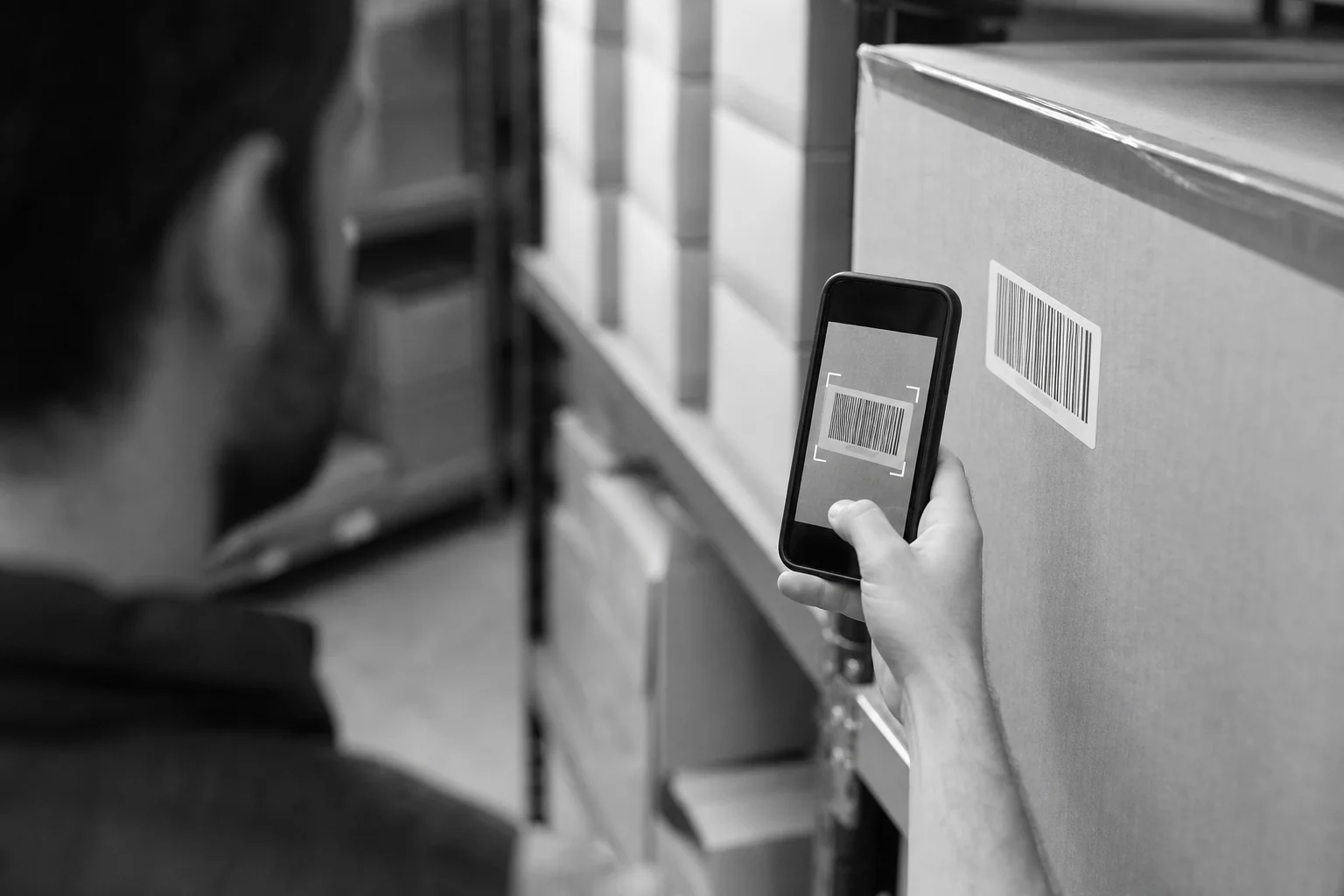
A dedicated retail inventory app closes that loop. Stock counts update the moment a barcode is scanned at any register or stockroom, and every location sees the same numbers. That single change removes most of the manual reconciliation retail managers do every week.
A retail inventory app needs six things working together: live stock counts, barcode scanning, low-stock alerts, multi-location visibility, batch or expiry tracking where relevant, and support for bundled products. Miss one and staff fall back to spreadsheets for that piece.
Here's what each of those looks like in daily use:
These are the same fundamentals that appear across custom inventory system guides and enterprise platforms alike; the difference for an SMB is scoping the build to only what your store count and product mix actually need.
A custom-built inventory app wins for SMBs planning to grow past a handful of users, because hosted SaaS plans charge per seat and per location, and that bill compounds as you scale, while a custom build is a one-time cost you own outright.
Zoho Inventory plans start from roughly $79 per month, which is workable for a single small shop already using other Zoho tools. Cin7 Core starts at $349 per month and its Omni tier runs $999 per month, scaling with users and sales channels as you add them. Fishbowl Inventory is typically quoted as an upfront licence plus an ongoing support fee rather than a flat monthly rate.
None of those numbers is wrong for the right business. A single-location shop with three staff and low SKU complexity may never outgrow a $79/month plan. The problem shows up at two or three locations, where per-seat pricing and rigid workflows start fighting the way you actually run your stockroom.
A custom build sits in a different cost shape entirely: $25,000 to $400,000+ depending on warehouse count, ERP integrations, and automation depth. For most retail SMBs the realistic scope lands well under the top of that range, closer to a single-brand build with two or three locations and no deep ERP integration. Once it's built, there's no per-user fee stacking on top every month.
The right question isn't "which app is cheapest today" — it's "which cost curve matches how fast we plan to open new locations." Hosted SaaS punishes growth. A custom build front-loads the cost and then flattens it.
The right stack for a retail inventory app is React Native for the scanning and stock app, Node.js for the backend logic, and a realtime database like Supabase or PostgreSQL to keep every location's stock count in sync the moment it changes.
React Native means one codebase ships to both iOS and Android, which matters for a shop floor where staff use a mix of personal and company phones. It also gives the phone-camera barcode scanning that most SMB retail volumes don't need dedicated scanner hardware for.
Node.js handles the business logic: reorder point calculations, stock transfer approvals, and bundled-product stock deductions across warehouses. Supabase, built on PostgreSQL, gives realtime subscriptions out of the box, so a stock change at one till appears instantly on every other device without a custom sync layer built from scratch.
This is the same stack Axire Infotech uses across its web and app development work, and it's a deliberate choice for retail: it keeps the build fast to launch and cheap to maintain, without locking you into a vendor's data model the way most hosted SaaS platforms do.
A retail inventory app is an internal operations tool for staff; a full e-commerce app is a customer-facing storefront with checkout, payments, and browsing. Retailers usually need both, but building them as one project often produces a bloated app that does neither job well.
An inventory app's job is accuracy behind the counter: stock counts, transfers, reorder alerts. An e-commerce app's job is conversion in front of the customer: product pages, cart, checkout, payment gateways. They share data, most obviously stock levels, but they don't share a user interface or a user.
Many retail SMBs start with the inventory side, then add a storefront once stock control is solid. If that's the direction you're heading, our guide on choosing the right tech stack covers how the two systems connect, and readers weighing a full online store build alongside inventory control may also want the detail in our e-commerce payment integration guide, which applies the same integration logic UK retailers need for card and wallet checkout.
A retail inventory app for a small to mid-sized SMB typically costs from around $25,000 for a focused, single-brand build and takes 8 to 16 weeks from discovery to launch, with cost rising alongside warehouse count, ERP integrations, and automation depth.

The build follows four phases. Discovery and planning maps your current stock workflow, store count, and product types, usually one to two weeks. Design and prototyping turns that into clickable screens for scanning, alerts, and transfers, another two to three weeks.
Development and testing is the longest phase, typically four to eight weeks depending on scope, built and tested in short agile sprints. Launch and support covers deployment plus the early weeks of bug fixes and staff feedback.
Costs climb fastest with three levers: the number of physical locations you're syncing, whether you need to integrate an existing ERP or accounting system, and how much automation you want in reordering. A closer breakdown of how these variables move the number appears in our app development cost guide.
Consider a hypothetical homeware retailer running three shops across the Midlands, still tracking stock in three separate spreadsheets. A realistic scope for this business: barcode scanning at each till, one shared stock database, low-stock alerts by location, and support for bundled gift sets.
No ERP integration, no batch/expiry tracking since homeware doesn't need it, no advanced demand forecasting. That scope sits toward the lower end of the custom build range, with a build timeline closer to 10 weeks than 16, since the feature list stays tight and the integrations stay minimal.
Choose a development partner who can show past retail or stock-management work, quotes the project as line-item features rather than a lump sum, and confirms in writing that you own the finished code. Those three checks catch most of the problems SMBs run into after signing.
Ask specifically how they handle barcode scanning on standard phone hardware rather than dedicated scanners, since that's the detail that separates a retail-aware developer from a generic app shop. Ask, too, how stock sync behaves if a store loses internet connection mid-shift, a scenario every physical retailer eventually hits.
Our detailed checklist on evaluating a development partner walks through the twelve questions worth asking before you sign anything, retail-specific or not.
Yes, most modern POS systems expose an API that a custom inventory app can connect to for syncing sales data and stock deductions in real time. The exact integration effort depends on which POS you run and how open its API is.
Yes, with a custom build you own the full codebase and infrastructure at launch, unlike hosted SaaS platforms where you're renting access and lose everything if you cancel. This is one of the clearest financial differences between the two paths discussed above.
Most retail SMBs see a working inventory app in 8 to 16 weeks from the discovery call to launch, depending on how many locations and integrations are in scope. A tight single-brand build without ERP integration lands at the shorter end of that window.
Because you own the codebase, adding a location is a configuration change, not a new licence purchase. That's the structural advantage over per-seat SaaS pricing that charges more every time you grow.
Replacing a spreadsheet with a real inventory system is rarely the hard part; scoping it so the build matches your store count, product mix, and growth plan is where most SMBs need a second pair of eyes. If you're weighing a custom inventory app against another year of manual stock counts, get in touch with Axire Infotech to talk through what your specific store setup actually needs. You can also browse past projects or see the full range of services, including app development and UI/UX design, before deciding what your build should look like.
Let's discuss your project and create something amazing together.
